Introduction
Creating a website or publishing a blog post is only the beginning of building an online presence. If you want people to discover your pages through Google and other search engines, you also need to optimize your website content and structure.
This process is known as on-page SEO. It involves improving individual webpages so search engines can better understand their topics and visitors can easily find the information they need.
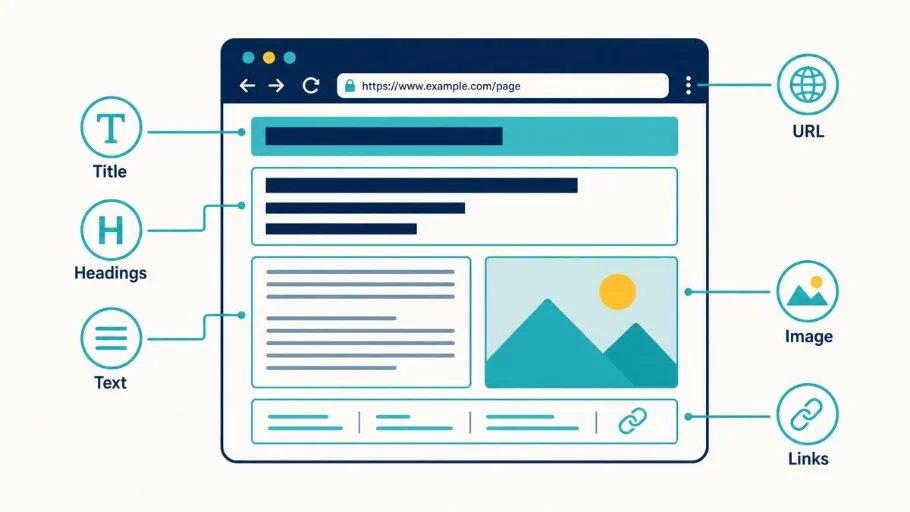
From writing descriptive page titles to organizing headings, improving images, and adding internal links, on-page SEO includes several practical techniques that can improve your website’s overall quality.
In this guide, you will learn what on-page SEO is, why it matters, and how to optimize your WordPress pages and blog posts step by step.
What Is On-Page SEO?
On-page SEO, also called on-site SEO, refers to optimizing the content and elements of individual webpages to make them more useful, understandable, and relevant to search queries.
It includes:
- SEO titles and meta descriptions
- Main headings and subheadings
- Keyword placement
- Content quality and relevance
- URL structure
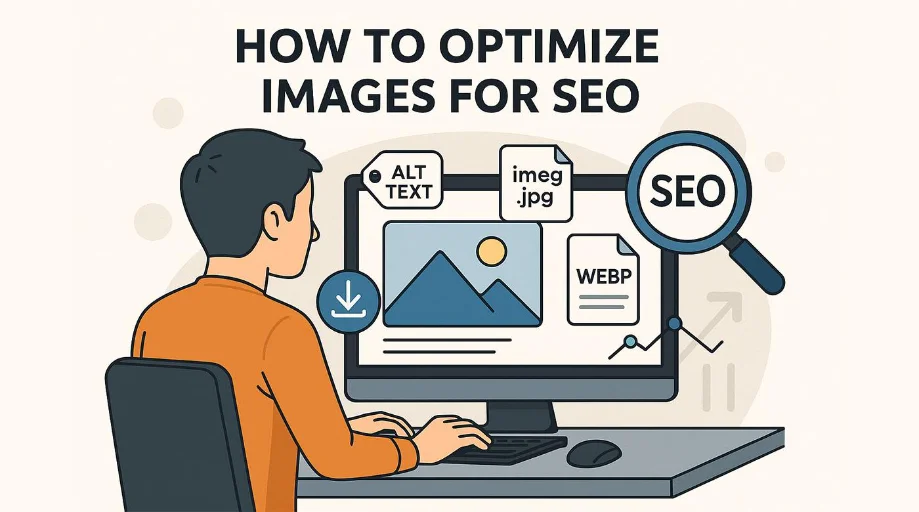
- Image optimization
- Internal linking
- Page readability
- Mobile usability
- User experience
For example, if you publish an article about free PDF tools, on-page SEO helps you organize the content, explain the available features, use descriptive headings, and link to related resources.
The goal is not simply to add keywords everywhere. It is to create a webpage that clearly answers the visitor’s question.
Why Is On-Page SEO Important?
On-page SEO helps search engines understand your content and improves the experience for people visiting your website.
Here are some important benefits:
- Better content understanding: Clear titles and headings help communicate your page’s subject.
- Improved search relevance: Relevant content can help your page match appropriate search queries.
- Better readability: Organized sections make information easier to understand.
- Stronger internal navigation: Related links help visitors discover more content.
- Improved image accessibility: Descriptive alt text helps explain meaningful images.
- Better mobile experience: Responsive layouts make pages easier to use on different devices.
- More useful landing pages: Optimized pages can guide visitors toward relevant actions.
On-page SEO does not guarantee first-page rankings, but it provides an important foundation for website optimization.
Important On-Page SEO Elements
1. Optimize Your SEO Title
The SEO title is one of the most important elements of a webpage.
It helps search engines and visitors understand what the page covers. A clear, relevant title can also encourage people to click your search result.
Example:
Target keyword: On-Page SEO
SEO title: What Is On-Page SEO? Complete Guide for Beginners
Best practices:
- Include your main topic naturally.
- Make the title descriptive.
- Avoid unnecessary keyword repetition.
- Make each important page title unique.
- Write titles that accurately represent the content.
Google may generate a different title link in search results, so there is no guarantee that your exact title will always appear.
2. Write a Helpful Meta Description
A meta description provides a short summary of a webpage.
Example:
“Learn what on-page SEO is and discover practical ways to optimize titles, headings, images, URLs, and website content.”
Best practices:
- Summarize the actual page content.
- Include your primary topic naturally.
- Make the description useful and engaging.
- Avoid duplicate descriptions across important pages.
- Keep it concise.
Google may use your meta description or generate a different search snippet. Meta descriptions are not a direct Google ranking factor, but a useful description can help visitors understand your result.
3. Use Proper Heading Structure
Headings organize content into understandable sections.
A typical structure looks like this:
– H1: Main article title
- H2: Main section
- H3: Supporting topic
- H2: Another main section
- H3: Supporting topic
For example:
H1: What Is On-Page SEO?
H2: Why Is On-Page SEO Important?
H2: Important On-Page SEO Elements
H3: Optimize Your SEO Title
H3: Write a Helpful Meta Description
Use headings to organize information logically rather than simply inserting keywords.
4. Use Keywords Naturally
Choose a relevant primary keyword for each page and include related terms where they make sense.
For an article targeting “on-page SEO,” related phrases might include:
- On-site SEO
- Website page optimization
- SEO title optimization
- Internal linking
- Image SEO
- Content optimization
Place important phrases naturally in your title, introduction, headings, and relevant paragraphs.
There is no required keyword density percentage. Avoid keyword stuffing.
5. Create SEO-Friendly URLs
A clear URL makes it easier for visitors to understand what a webpage is about.
Example:
Recommended URL
example.com/on-page-seo-guide/
Avoid unnecessarily complicated URLs
example.com/page?id=12345&topic=seo-guide-2026
URL best practices:
- Use short, descriptive words.
- Separate words with hyphens.
- Avoid unnecessary parameters.
- Keep URLs relevant to the page.
- Avoid changing established URLs without a proper redirect plan.
6. Improve Your Content Quality
High-quality content should provide useful answers, accurate information, and practical examples.
Before publishing, check that your article:
- Answers the main search question.
- Covers important related topics.
- Uses clear and understandable language.
- Includes relevant examples.
- Avoids unnecessary repetition.
- Provides accurate and updated information.
- Offers something useful beyond generic explanations.
Longer content is not automatically better. Focus on completeness and usefulness rather than reaching an arbitrary word count.
7. Add Relevant Internal Links
Internal links connect one page of your website to another page on the same website.
For example, an article about on-page SEO could link naturally to:
- What Is SEO?
- What Are Keywords in SEO?
- What Is Search Intent?
- How Search Engines Work
Use descriptive anchor text so visitors understand what they will find after clicking.
Internal linking also helps search engines discover pages and understand relationships between your website’s content.
8. Optimize Images for SEO
Images make articles more engaging, but large or poorly described images can create problems.
Follow these image optimization practices:
- Compress images to reduce file size.
- Use suitable formats such as WebP when supported.
- Write descriptive filenames.
- Add meaningful alt text.
- Choose appropriate image dimensions.
- Use responsive images.
- Lazy-load suitable below-the-fold images.
Example filename:
on-page-seo-guide.webp
Example alt text:
“On-page SEO checklist showing optimized headings, page titles, and internal links.”
Alt text should describe the image accurately. Do not stuff it with unrelated keywords.
On-Page SEO Checklist for WordPress Websites
Use this checklist before publishing an important article or landing page.
Publishing checklist
0/15 completed
Write a unique and descriptive SEO title
Create a useful meta description
Use one clear main H1 heading
Organize content with logical H2 and H3 headings
Include the primary keyword naturally
Add relevant supporting keywords where useful
Create a short and descriptive URL
Provide helpful, original content
Add relevant internal links
Optimize image size and filenames
Write accurate image alt text
Check mobile responsiveness
Review spelling, grammar, and readability
Test important buttons and links
Check the page for indexing restrictions
Reset checklist
On-Page SEO vs. Off-Page SEO vs. Technical SEO
These three areas are important parts of a broader SEO strategy.
| SEO type | Main focus | Examples |
|---|---|---|
| On-page SEO | Individual webpage content | Titles, headings, keywords, images |
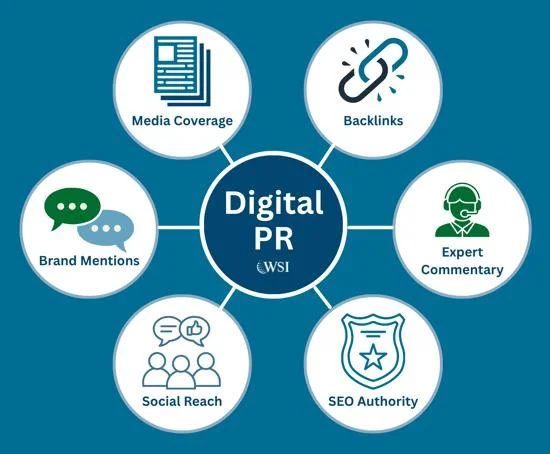
| Off-page SEO | External signals and reputation | Backlinks, brand mentions, digital PR |
| Technical SEO | Website infrastructure | Crawling, indexing, site speed, XML sitemap |
All three areas work together. A well-written article can still face visibility problems if search engines cannot access or index it properly.
Common On-Page SEO Mistakes to Avoid
- Duplicate SEO titles: Important pages should have distinct, descriptive titles.
- Keyword stuffing: Excessive repetition makes content unnatural.
- Poor heading structure: Disorganized headings make articles difficult to navigate.
- Missing internal links: Visitors may miss useful related resources.
- Large image files: Unoptimized images can slow down page loading.
- Thin content: Pages that do not adequately satisfy their purpose offer little value.
- Broken links: Regularly review important internal and external links.
- Ignoring mobile users: Check that content and tools work on smaller screens.
- Overusing plugins: Too many unnecessary WordPress plugins can complicate maintenance and affect performance.
- Ignoring indexing settings: Check that important pages are not accidentally blocked or marked noindex.
Best Tools for On-Page SEO
| Tool | Main purpose |
|---|---|
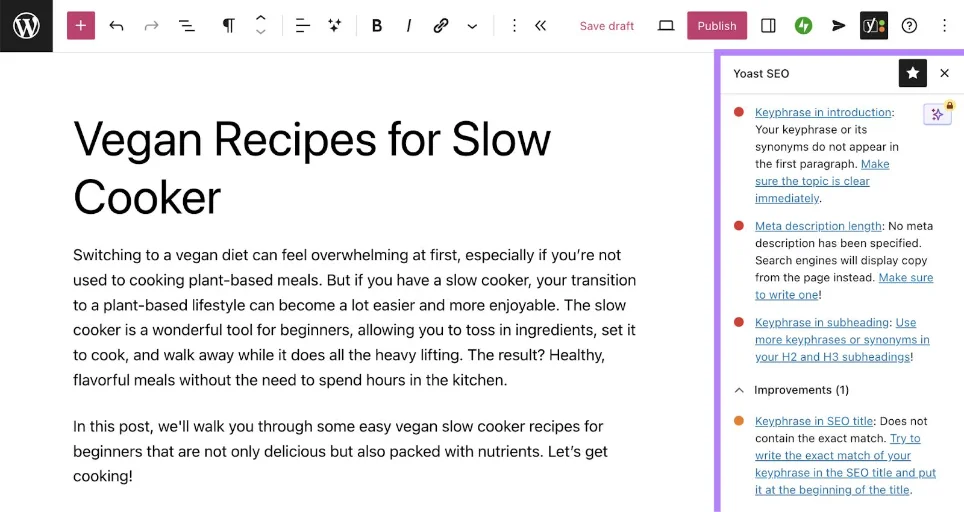
| Yoast SEO | WordPress SEO titles, descriptions, and content checks |
| Rank Math | WordPress on-page SEO settings and analysis |
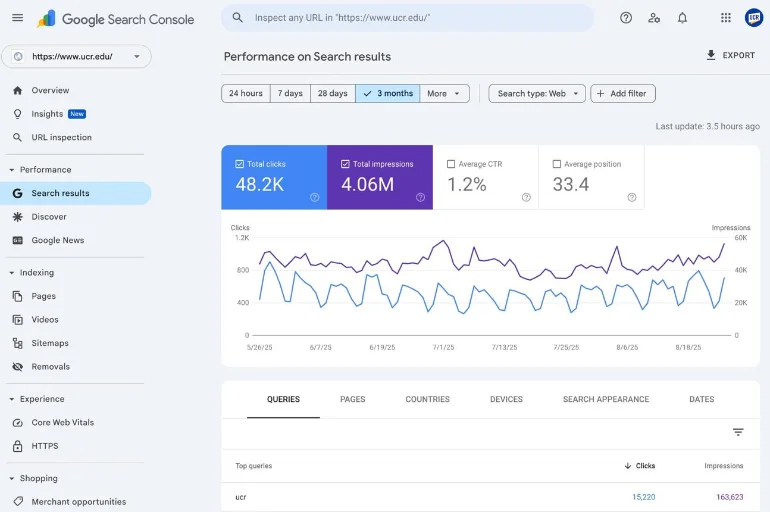
| Google Search Console | Search performance and indexing information |
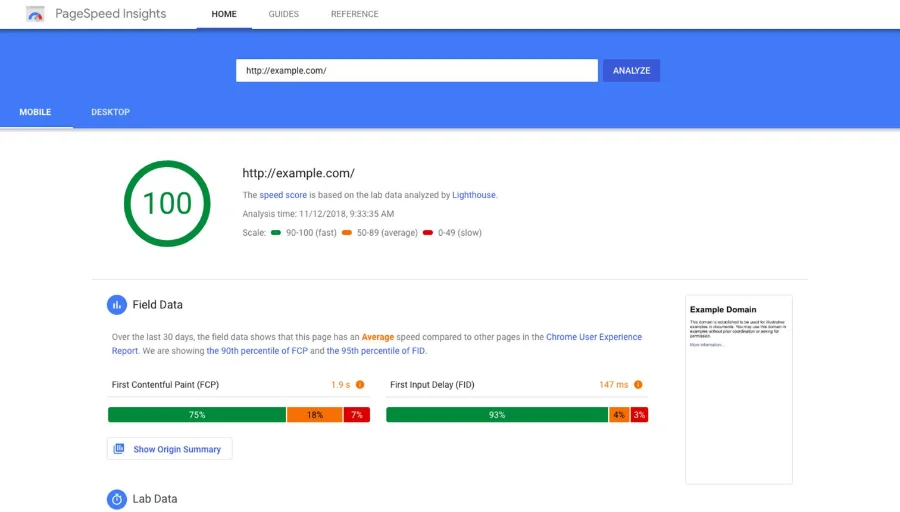
| Google PageSpeed Insights | Website performance testing |
| Screaming Frog SEO Spider | Website crawling and technical page audits |
These tools have different features and limitations. Some offer free and paid versions.
On-page SEO is an essential part of building a search-friendly website. It helps you improve individual pages through useful content, descriptive titles, organized headings, relevant keywords, optimized images, and meaningful internal links.
Start by reviewing your most important website pages and applying the checklist in this guide. Make sure every page serves a clear purpose and provides value to visitors.
Consistent improvements, combined with technical SEO and a strong content strategy, can help build a better foundation for long-term organic search growth.
Frequently Asked Questions (FAQs)
On-page SEO means improving individual webpages through better content, titles, headings, URLs, images, and internal links.
Yes. It is a practical starting point because beginners can improve many page elements directly through their website’s content management system.
Important elements include useful content, descriptive titles, clear headings, relevant keywords, internal links, image accessibility, and a good user experience.
Learn what on-page SEO is and discover how to optimize titles, headings, keywords, images, URLs, and website content.
- How do I do on-page SEO in WordPress?
Write useful content, configure your SEO title and meta description using a plugin such as Yoast or Rank Math, organize headings, optimize images, and add relevant internal links.