Introduction
Ranking a website on Google can be challenging, especially when you are competing against established websites with strong content, relevant backlinks, and years of online visibility.
One practical way to discover SEO opportunities is to target low-competition keywords.
These are search phrases where the existing competition may be more manageable for your website. Many opportunities involve specific questions, long-tail phrases, local searches, and topics that are not adequately covered by existing results.
However, low competition does not automatically guarantee high rankings. Your content must still satisfy search intent, provide useful information, and offer a good experience.
In this guide, you will learn how to find low-competition keywords, evaluate their potential, use free research tools, and build a keyword strategy for long-term organic growth.
What Are Low-Competition Keywords?
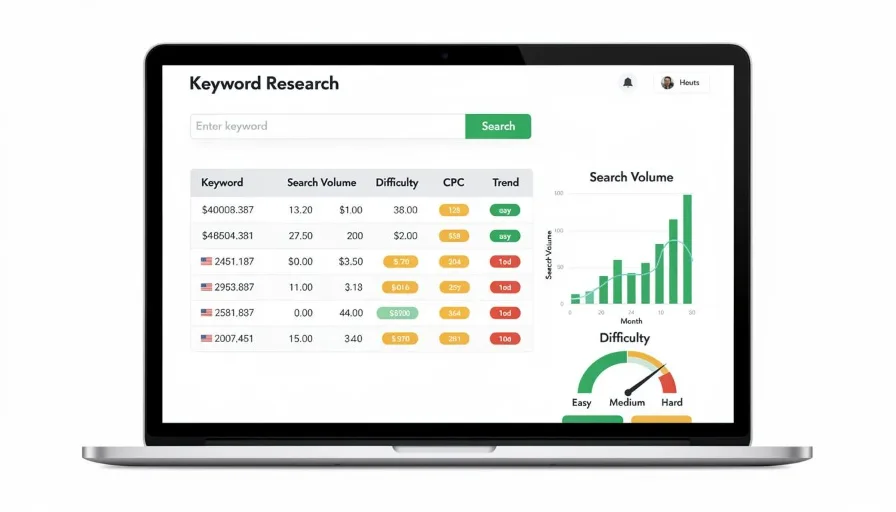
Low-competition keywords are search terms that may be easier to target because the competing pages are relatively weak, less relevant, or do not fully satisfy what searchers need.
For example, consider these phrases:
- SEO
- SEO tools
- Best free SEO tools for small WordPress websites
- How to check missing meta descriptions in WordPress
The first two phrases are broad. The last two are more specific and may offer opportunities for a focused article or tool page.
Low competition is not determined by keyword length alone. You must examine the actual search results and understand what makes the competing pages strong or weak.
Why Should You Target Low-Competition Keywords?

Targeting manageable keyword opportunities can help your website build search visibility.
1. More Realistic Opportunities for New Websites
New websites often have limited authority and content. Specific search topics can provide a practical starting point.
2. Better Search Intent Matching
Specific phrases often communicate what users want.
For example, someone searching for “how to convert JPG to PNG online” is likely looking for a particular solution.
3. Focused Content Creation
You can create articles and landing pages that answer specific questions instead of publishing broad, unfocused content.
4. Build Topical Coverage
Publishing useful content around related subjects helps organize your website and cover important user needs.
5. Discover Underserved Topics
Some search results may not provide clear answers, updated information, or a useful experience. These gaps can inspire valuable content.
How to Find Low-Competition Keywords Step by Step

Step 1: Choose a Relevant Website Topic
Start with a subject that matches your website.
Examples:
| Website type | Main topic |
|---|---|
| SEO blog | Search engine optimization |
| Online tools website | Image and PDF tools |
| Food blog | Cooking and recipes |
| Technology website | Software and applications |
| Business website | Products and services |
Do not target unrelated keywords simply because they appear easy.
Step 2: Generate Keyword Ideas
Create a list of seed keywords related to your main topic.
For an online tools website, you might start with:
- Image compressor
- PDF converter
- Image resizer
- Word counter
- QR code generator
- Website speed checker
Then expand each topic with more specific phrases.
For example:
Main keyword: Image resizer
Related keyword ideas:
- Resize image online free
- Resize image for Instagram
- Change photo dimensions online
- Resize JPG without losing quality
- Reduce image dimensions for websites
Step 3: Use Google Search Suggestions

Enter your main keyword into Google and examine its autocomplete suggestions.
You can also try adding question words:
- How
- What
- Why
- Where
- Which
- Best
- Free
- Online
For example:
- How to resize images online
- Best free image resizer
- Resize images without losing quality
These suggestions help identify potential search topics, but they do not confirm search volume or ranking difficulty.
Step 4: Explore Google’s Related Searches
Look at related searches shown around the search results when available.
These can reveal additional topics and alternative ways people describe the same problem.
Before creating separate pages, check whether the phrases have different search intent. Similar searches may be better addressed by one comprehensive page.
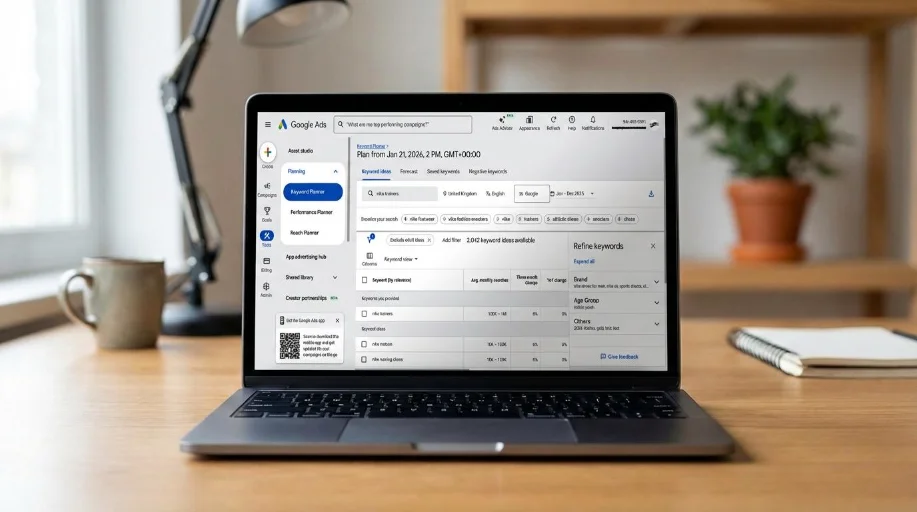
Step 5: Use Free Keyword Research Tools
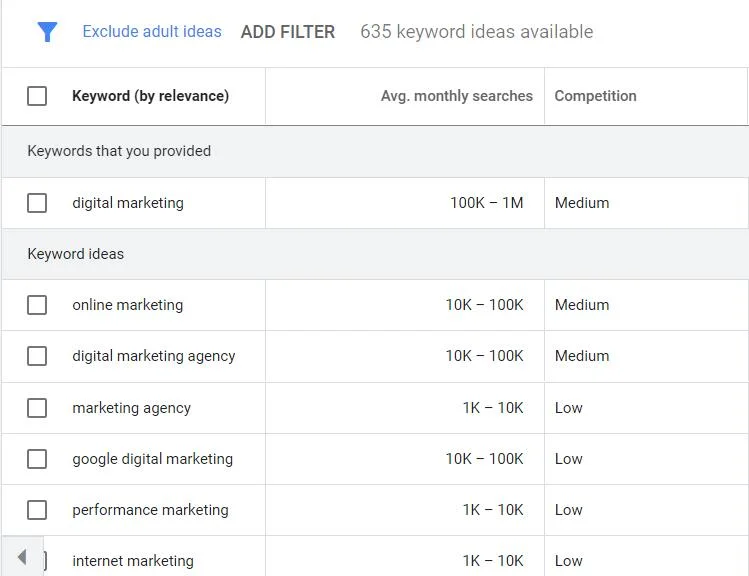
How To Use Google Keyword Planner – Weberge
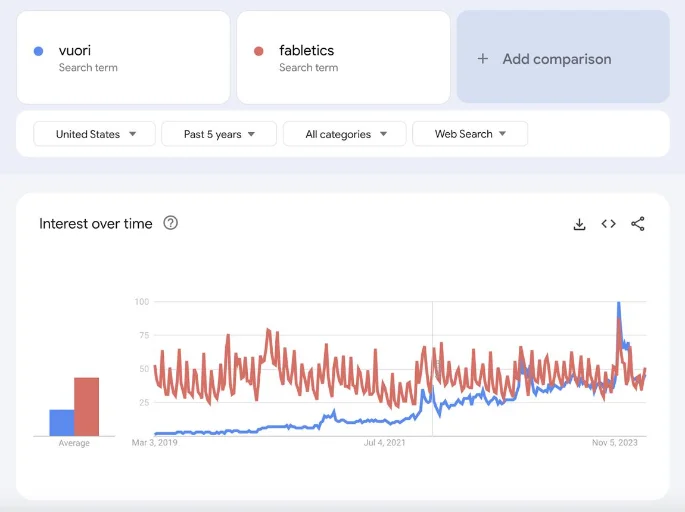
How to use Google Trends for SEO in 2026
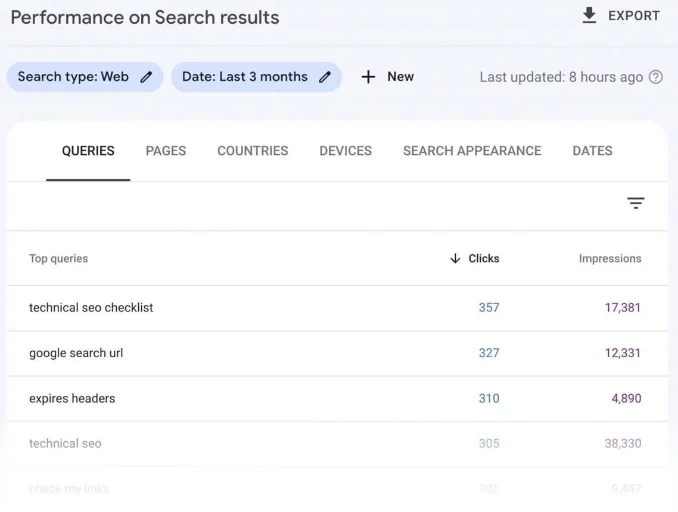
What Is OEM Marketing?: Everything You Need to Know
Here are useful tools for keyword discovery.
| Tool | How it helps |
|---|---|
| Google Keyword Planner | Provides keyword ideas and advertising search estimates |
| Google Search Console | Shows queries that generate impressions and clicks for your site |
| Google Trends | Helps compare search interest over time |
| Ahrefs | Offers keyword difficulty and competitor research |
| Semrush | Provides keyword analysis and SEO research |
| AnswerThePublic | Helps discover questions and related phrases |
Some tools provide free features with limits, while advanced research usually requires a subscription.
Step 6: Check Keyword Difficulty
Keyword difficulty scores estimate how challenging it may be to rank for a particular search phrase.
Different platforms calculate these scores using their own methods.
Use them as research indicators rather than guaranteed predictions.
A useful manual review includes:
- Are the top results relevant to the search?
- Do competing pages answer the question completely?
- Is their information outdated?
- Are the results dominated by major websites?
- Can you offer a clearer or more useful solution?
- Does your website have relevant content and experience?
A low difficulty score alone does not make a keyword a good target.
Step 7: Analyze the First Page of Google
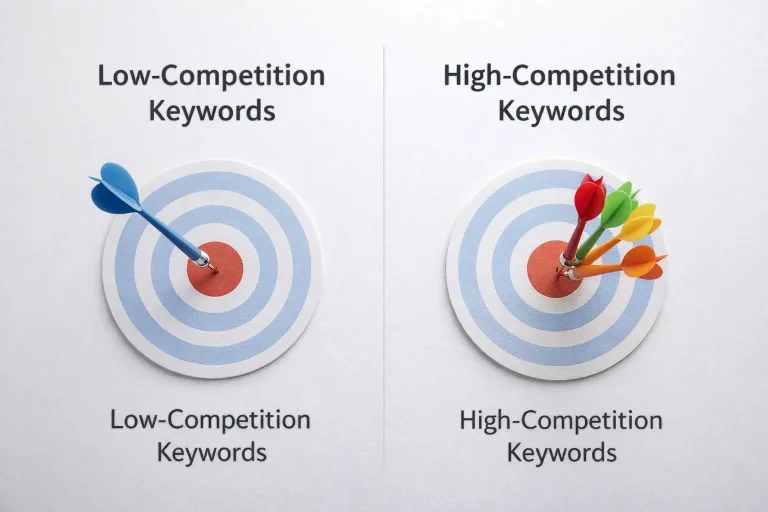
Search your potential keyword and review the competing pages.
Pay attention to:
- Content quality and completeness.
- Search intent and page format.
- Website relevance to the subject.
- Freshness of information where freshness matters.
- Helpful examples, screenshots, and instructions.
- Whether the pages actually solve the user’s problem.
Look for genuine content gaps instead of trying to copy existing results.
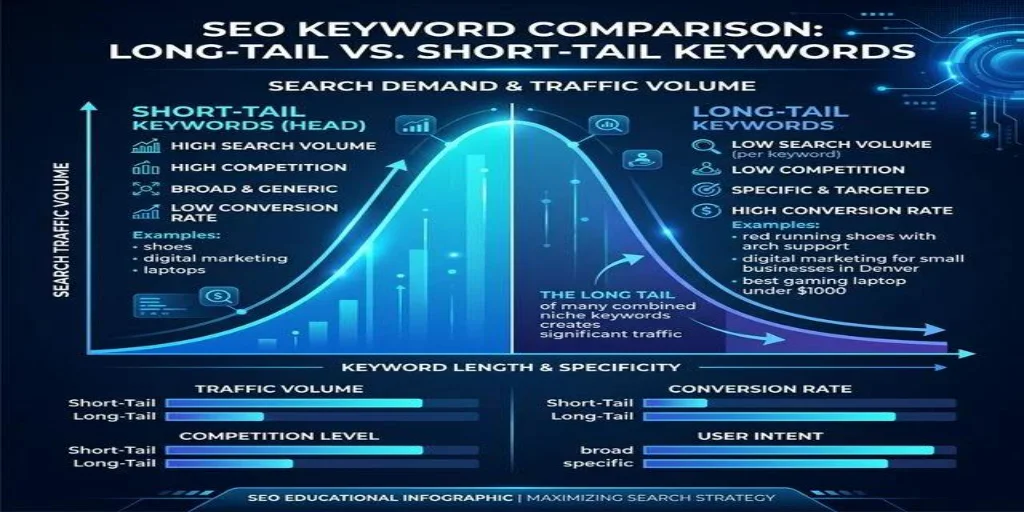
Step 8: Look for Long-Tail Keywords
Long-tail keywords are often useful when searching for specific opportunities.
For example:
| Broad keyword | More specific opportunity |
|---|---|
| PDF converter | Convert PDF to JPG on Android |
| SEO tools | Free SEO tools for new websites |
| Image editor | Remove image background online |
| WordPress | Fix WordPress sitemap not found |
| Calculator | Calculate monthly salary after deductions |
These are potential research ideas, not verified low-competition keywords. Check the actual search results before selecting them.
Step 9: Evaluate Search Intent
A keyword is valuable only when you can create the right kind of page for it.
| Search phrase | Likely intent | Suitable content |
|---|---|---|
| What is keyword difficulty? | Informational | Tutorial |
| Free keyword difficulty checker | Tool-oriented | Working tool page |
| Best SEO keyword tools | Commercial investigation | Comparison article |
| Ahrefs login | Navigational | Official login destination |
Do not publish an informational article when users primarily want a working tool.
Step 10: Prioritize Your Best Opportunities
Create a keyword list and evaluate each phrase using a simple scoring approach.
Keyword opportunity checklist
- Relevant to my website
- Clear search intent
- Existing results have identifiable content gaps
- Realistic competition for my website
- Enough audience interest to justify creating the page
- I can provide genuinely useful information or functionality
- The keyword does not duplicate an existing page
Choose keywords that meet most of these criteria rather than selecting them based on one metric.
Practical Example: Finding Keywords for an Online Tools Website
Suppose you operate a website offering image and PDF tools.
You want to attract visitors to a new image compressor page.
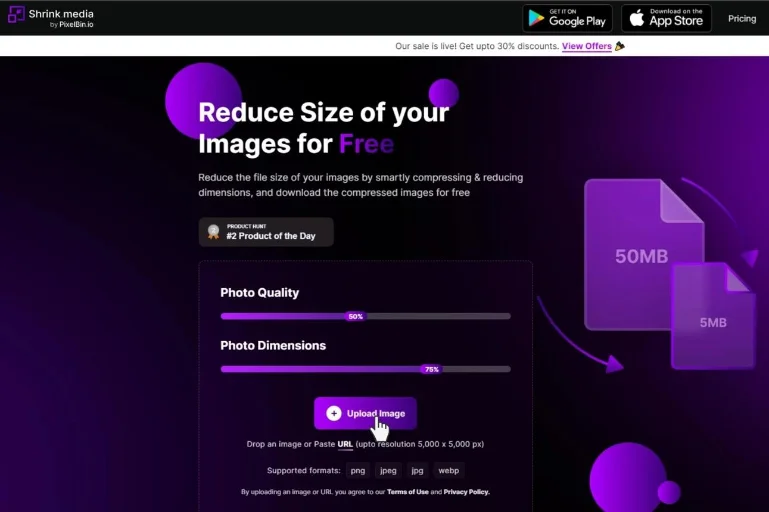
Your keyword research could look like this:
| Keyword idea | Content opportunity |
|---|---|
| Image compressor | Main tool page |
| Compress JPG online free | JPG compression feature or section |
| Reduce image size in KB | Tutorial or dedicated feature |
| Compress PNG images online | PNG compression feature |
| How to compress images for websites | Supporting article |
Next, inspect search results, compare the intent, and decide whether these searches belong on one tool page or several genuinely different pages.
This approach creates a connected content strategy around a useful website feature.
How to Track Your Keyword Performance
After publishing your content, monitor its performance using Google Search Console.
Review:
- Impressions: How often your page appears in Google search results.
- Clicks: How many users visit through those results.
- CTR: The percentage of impressions that generate clicks.
- Average position: Google’s reported average position for the selected reporting period and search context.
- Queries: The actual search phrases associated with your page.
Do not judge a new page only by its first few days of performance. Search visibility can take time to develop.
Common Mistakes to Avoid
- Assuming a low keyword difficulty score guarantees rankings.
- Targeting irrelevant keywords.
- Ignoring search intent.
- Choosing keywords only because they have low competition.
- Publishing thin content for every keyword variation.
- Copying competitors instead of improving the user experience.
- Ignoring existing pages that already target similar searches.
- Forgetting to monitor results after publication.
- Creating separate pages with nearly identical content.
- Expecting immediate organic traffic.
Conclusion
Finding low-competition keywords can help you discover practical SEO opportunities, especially when your website is still growing.
Start with relevant topics, generate specific keyword ideas, explore search suggestions, and evaluate the actual competing pages. Use keyword difficulty scores as supporting information rather than relying on them alone.
Most importantly, create content that provides a better answer or solution for visitors. A relevant, helpful page has a stronger purpose than content created simply to target an easy keyword.
Next article – Article 14: How to Find Keywords Using Google Keyword Planner (Step-by-Step Guide)
Frequently Asked Questions (FAQs)
They are search phrases where the current competing pages may be less challenging to compete against. Their difficulty depends on the search results, topic, and your website.
They can be useful because they may provide more realistic opportunities than broad, highly competitive searches. However, relevance and search intent remain essential.
Start with Google autocomplete, related searches, Google Trends, Google Keyword Planner, and Google Search Console.
Time needed: 5 minutes
Learn how to find low-competition keywords using free tools, search intent, and competitor analysis to discover SEO opportunities.
- How many low-competition keywords should I target?
There is no fixed number. Focus on a manageable group of related keywords and create useful pages without duplicating content.