How to Find Question Keywords for SEO: Use Questions to Create Helpful Content
People use search engines every day to ask questions, solve problems, compare products, and learn new skills. These searches provide excellent opportunities for bloggers, website owners, and online businesses to attract relevant organic traffic.
Question keywords are search phrases that contain words such as what, why, how, when, where, and which. They help you understand what your audience wants to know and give you ideas for creating useful articles, tutorials, and frequently asked questions.
In this guide, you’ll learn how to find question keywords, identify search intent, organize questions, and use them effectively in your SEO content strategy.
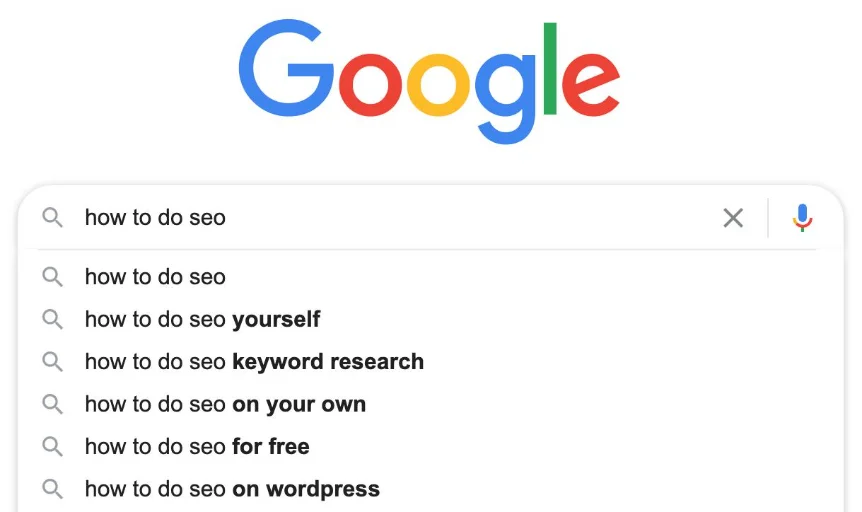
What Are Question Keywords in SEO?
Question keywords are search queries written as questions or phrases that express a need for information.
Here are some examples:
- What is SEO?
- How does keyword research work?
- Why is my website not indexed?
- How can I increase organic traffic?
- Which free image compressor is best?
- Where can I create a sitemap?
These keywords are valuable because they reveal the problems and interests of potential visitors.
For example, someone searching for “how to compress an image without losing quality” probably wants practical instructions or an online tool. A useful article can explain the process and link to a relevant image compression tool.
Why Are Question Keywords Important?
Question keywords help you create content that answers real user needs.
Their benefits include:
- Understand your audience: Discover what people want to learn.
- Find content ideas: Turn common questions into useful articles.
- Improve search relevance: Structure content around specific user needs.
- Support long-tail SEO: Many questions are more specific than broad keywords.
- Build topical coverage: Answer related questions across a subject.
- Improve user experience: Give visitors clear and direct information.
- Discover FAQ opportunities: Add relevant questions to articles and landing pages.
Question keywords do not automatically produce featured snippets or higher rankings. Their value comes from helping you create content that satisfies search intent.
1. Find Question Keywords Using Google Autocomplete
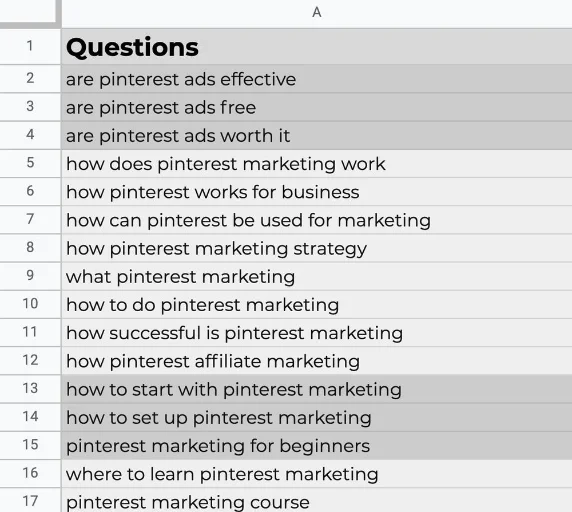
Google Autocomplete displays search suggestions while users type. These suggestions can help you discover related questions.
Follow these steps:
- Open Google Search.
- Enter a broad keyword, such as “SEO.”
- Add question words such as “how,” “why,” or “what.”
- Review the suggestions.
- Record relevant phrases.
- Repeat the process with different keyword variations.
For example:
- How to improve SEO?
- What is technical SEO?
- Why is SEO important?
- How long does SEO take?
- What are SEO keywords?
Select questions that are relevant to your website rather than collecting every suggestion.
2. Use Google’s People Also Ask Section
Google’s People Also Ask section displays questions related to a search query.
For example, searching for “keyword research” may reveal questions about keyword tools, search volume, keyword difficulty, and long-tail keywords.
You can use this feature to:
- Discover related questions.
- Understand common audience concerns.
- Find supporting topics for existing articles.
- Identify gaps in your current content.
- Plan FAQ sections.
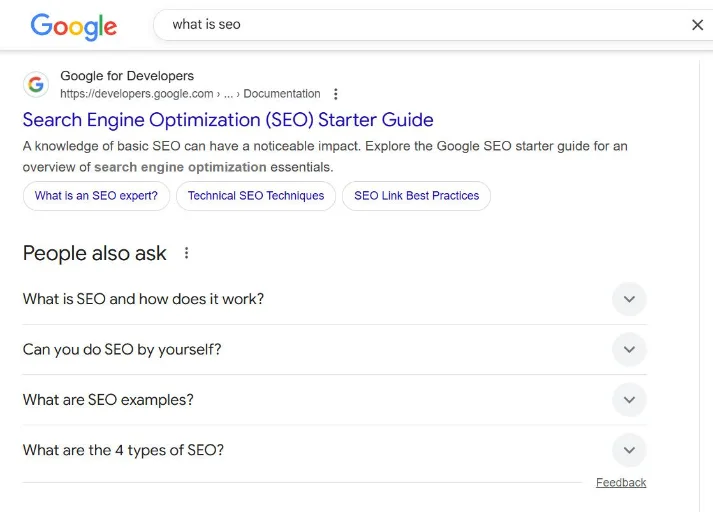
Open relevant questions and examine the additional questions that appear. Record useful ideas and organize them by topic.
3. Find Question Keywords Using Google Related Searches
At the bottom of many Google search results pages, you can find related searches.
These suggestions can reveal additional keyword variations and related topics.
For example, a search about image resizing might lead to related searches such as:
- Resize image online.
- Change image dimensions.
- Resize image without losing quality.
- Free photo resizer.
- How to resize pictures for websites.
Some related searches are not written as questions, but they can still help you discover topics that can be converted into helpful question-based content.
4. Use Free Keyword Research Tools
Several tools can help you discover question-based keywords.
| Tool | How it helps |
|---|---|
| AnswerThePublic | Discovers questions and topic ideas |
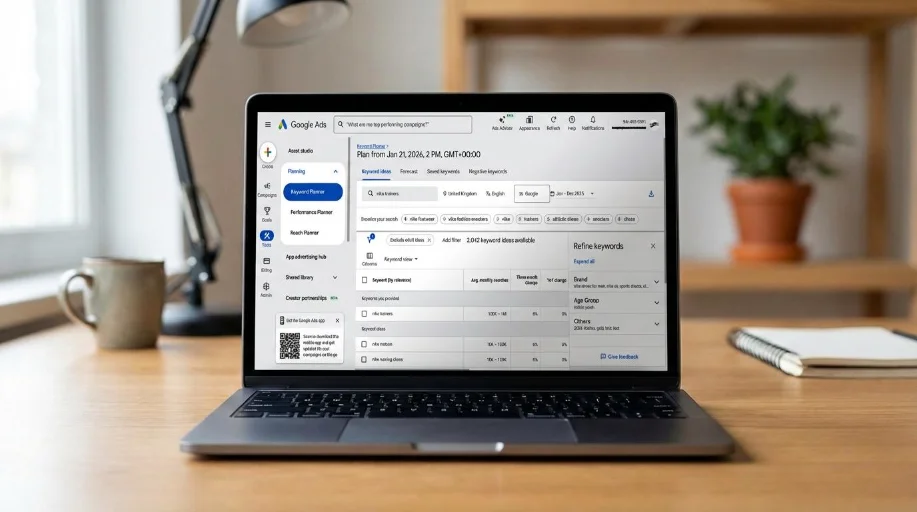
| Google Keyword Planner | Provides keyword ideas and advertising search estimates |
| Ubersuggest | Finds keyword suggestions and SEO metrics |
| Ahrefs | Explores questions and keyword opportunities |
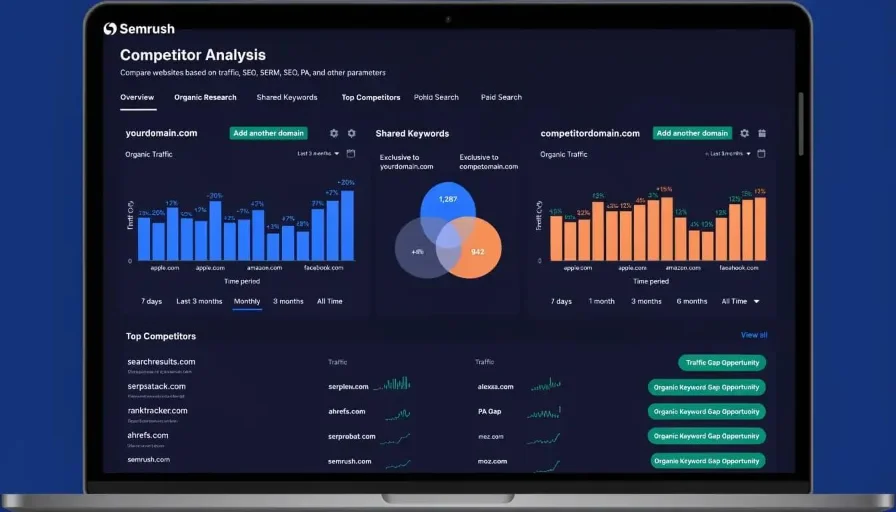
| Semrush | Supports keyword research and topic discovery |
| Google Trends | Explores search interest over time |
Some features require paid subscriptions or have usage limits. You can begin with Google’s free search features before investing in premium tools.
5. Use Question Words to Generate More Keyword Ideas
One simple research method is to combine your main keyword with question words.
Try these modifiers:
| Question word | Example |
|---|---|
| What | What is website SEO? |
| Why | Why is website speed important? |
| How | How to optimize images for SEO? |
| When | When should I update old content? |
| Where | Where to submit an XML sitemap? |
| Which | Which SEO tool is best for beginners? |
| Can | Can a new website rank on Google? |
| Does | Does image compression improve website speed? |
You can also combine these modifiers with your website’s main topics.
For an online tools website, possible subjects include image editing, PDF conversion, calculators, SEO tools, and website performance.
6. Discover Questions From Forums and Online Communities
Online communities can help you understand the questions people ask in everyday language.
Useful research sources include:
- Reddit discussions.
- Quora questions.
- Relevant industry forums.
- WordPress support discussions.
- Comments on relevant blogs.
- Customer support questions.
For example, users discussing PDF tools might ask:
- How can I reduce a PDF file size?
- Can I convert PDF files without installing software?
- Is it safe to upload private documents online?
These questions can inspire useful articles. Verify technical claims before publishing and avoid copying other people’s answers.
7. Use Google Search Console to Find Existing Question Keywords
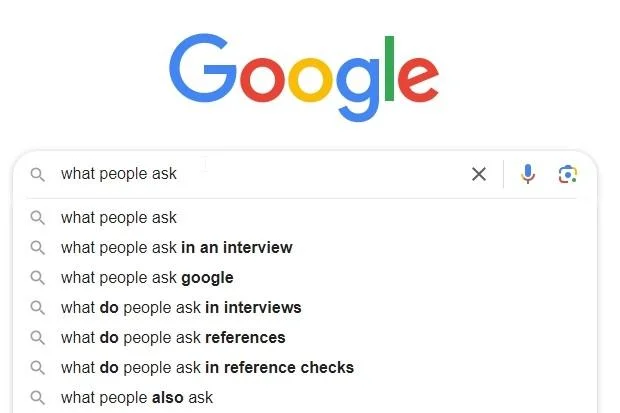
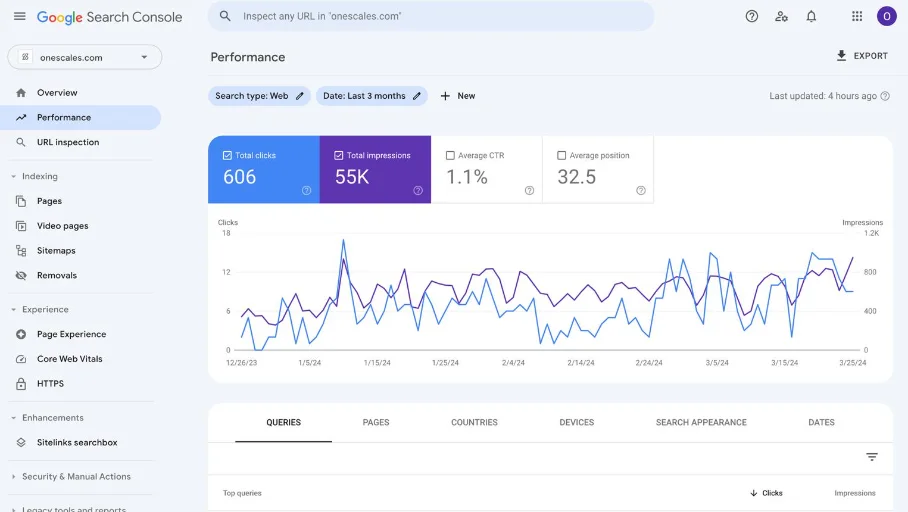
Google Search Console can show the actual search queries that bring visitors to your website.
To find question keywords:
- Open Google Search Console.
- Select your website property.
- Open the Performance report.
- Select the Queries tab.
- Review the search terms.
- Look for questions beginning with how, what, why, when, and where.
- Identify relevant queries with impressions but opportunities for better content.
If your website receives impressions for a question but has a low click-through rate, review the page title, description, and whether the content matches the search intent.
How to Organize Question Keywords
After collecting questions, group them by topic and search intent.
For example, a website about SEO might organize its questions like this:
| Main topic | Question keywords |
|---|---|
| SEO basics | What is SEO? Why is SEO important? |
| Keyword research | How do I find keywords? What is keyword difficulty? |
| Technical SEO | How do search engines crawl websites? |
| WordPress SEO | How do I optimize WordPress pages? |
| Organic traffic | How can I increase website visitors? |
This organization helps you plan a structured content calendar.
Avoid creating separate articles for questions that have almost identical search intent. A single comprehensive article may answer several closely related questions more effectively.
How to Use Question Keywords in Your Articles
Once you select your questions, place them naturally throughout your content.
Follow these best practices:
- Use the main question as your article title when appropriate.
- Include the primary keyword naturally in the introduction.
- Use related questions as H2 or H3 headings.
- Provide direct answers before adding detailed explanations.
- Include examples, steps, and practical advice.
- Add relevant internal links to supporting articles.
- Write FAQs that address genuinely useful additional questions.
- Keep information accurate and updated.
For example, an article titled “How to Improve Website Speed” could include headings such as:
- Why Is Website Speed Important?
- How Can I Check Website Speed?
- How Do I Optimize Images?
- Does Hosting Affect Website Performance?
- How Can I Improve Core Web Vitals?
Answer each question clearly instead of repeating the same information under multiple headings.
Common Mistakes to Avoid
- Collecting questions without checking their relevance.
- Targeting questions with completely different search intent on one page.
- Repeating the same question excessively.
- Writing short answers that do not solve the problem.
- Copying answers from other websites.
- Adding unnecessary FAQ sections to every page.
- Assuming every question has significant search volume.
- Promising featured snippets or ranking improvements.
Conclusion
Question keywords are a practical way to discover what your audience wants to know. By researching Google suggestions, People Also Ask, related searches, SEO tools, communities, and Search Console data, you can build a strong collection of content ideas.
Focus on questions that match your website’s subject and provide complete, accurate answers. Over time, this approach can help you build useful topical coverage and create more opportunities to attract relevant organic traffic.
Next Article – Article 19: How to Find Long-Tail Keywords for SEO: A Complete Step-by-Step Guide
Frequently Asked Questions
Question keywords are search phrases that express a question, usually beginning with words such as what, how, why, when, where, and which.
Yes. They can help you understand user needs, discover long-tail search opportunities, and create relevant content.
Use Google Autocomplete, People Also Ask, Related Searches, Google Search Console, and relevant online communities.
Time needed: 5 minutes
Learn how to find question keywords for SEO using Google, free tools, and Search Console to create helpful content and attract organic traffic.
- Do question keywords guarantee featured snippets?
No. Google independently decides which results appear in featured snippets. Clear, helpful answers can make content easier to understand, but there is no guarantee.